
How to Compress Videos for WhatsApp Without Losing Quality Free Methods for Android, iPhone, PC & Online
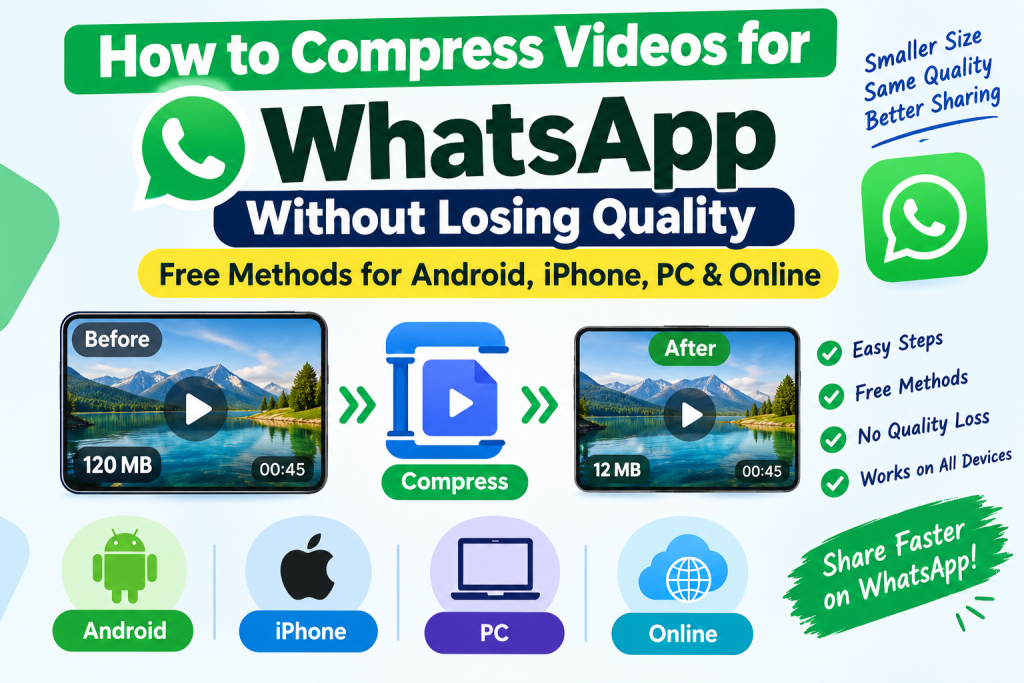
Sending a video on WhatsApp should be simple, but large files can take forever to upload or arrive looking blurry. Whether you’re sharing a wedding video, a family memory or a work presentation, reducing the file size can make sharing much easier. The good news is that you can shrink video files while keeping them looking clear. Here are some free methods you can use on your phone or computer
1. Send Videos on WhatsApp Without Compression
Before compressing your video, consider whether you need to reduce its size at all. WhatsApp supports sending documents up to 2 GB, allowing you to share large videos without the usual media compression.
How to do it:
- Open the WhatsApp chat where you want to send the video.
- Tap the attachment icon and select Document instead of Gallery or Photos.
- Browse your files and select the video.
- Tap Send.
This is the best option when preserving the original quality matters more than reducing the file size.
2. Compress Videos on Android and iPhon
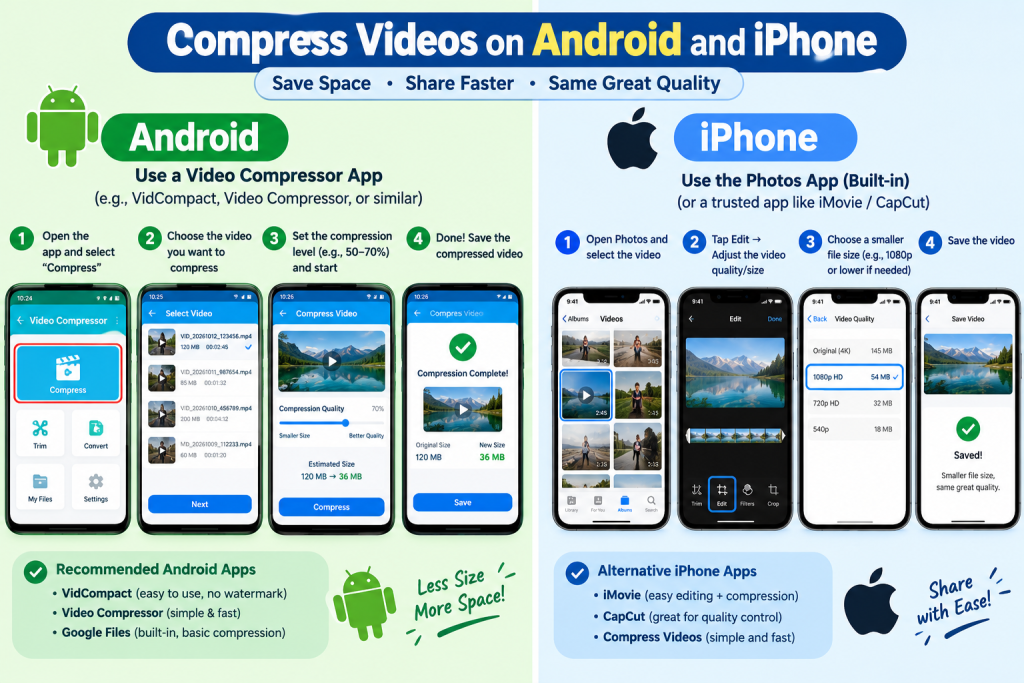
A video compressor app can reduce file size directly on your phone. Look for an app that lets you control resolution, quality and output size.
Follow these steps:
- Open a trusted video compressor app.
- Select the video you want to compress.
- Choose a suitable setting, such as 1080p for high-quality videos or 720p for smaller files.
- Save the compressed copy and compare it with the original.
- Send the new video through WhatsApp.
Avoid lowering the quality too much. For most everyday videos, 720p or 1080p can offer a good balance between clarity and file size.
5. Tips for Keeping Video Quality High
A few small changes can make a noticeable difference:
- Keep the original: Always save a backup before compressing.
- Choose MP4: It offers broad compatibility across phones and computers.
- Avoid repeated compression: Compressing an already compressed video can reduce its quality further.
- Compare before sending: Watch the beginning, middle and end of the new video to check its clarity and sound.
Final Thoughts
The best way to share a video on WhatsApp depends on your goal. Send it as a document when you need to preserve the original quality or use a video compressor when you need a smaller file that uploads more quickly.
With the right settings, you can reduce video size while keeping the footage clear enough for everyday sharing.